




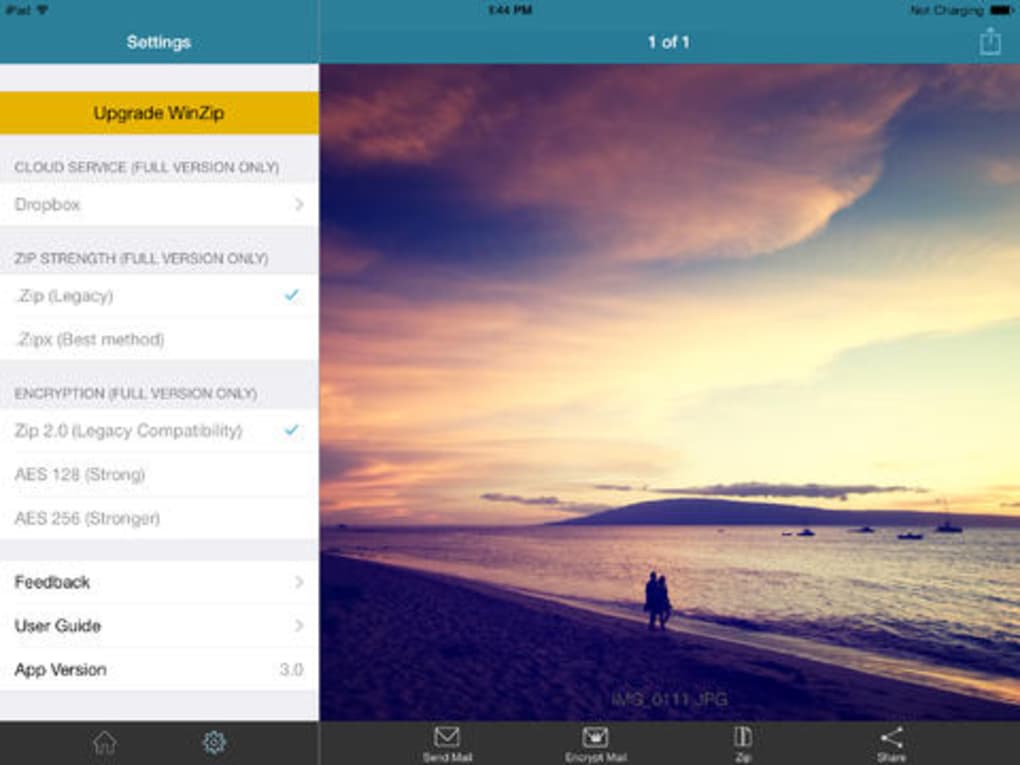
Description
WinZip for iPhone: Fast Zip File Access
Overview
WinZip for iPhone is a mobile utility designed to simplify the management of compressed files directly from iOS devices. It enables users to open, view, and interact with Zip archives without needing a desktop computer. The app supports common file formats such as JPG, BMP, GIF, PDF, TXT, DOC, and XLS, allowing seamless access to documents and media stored within archives. This functionality is particularly useful for professionals and casual users who frequently receive compressed files via email or download them on the go. The software aims to bring the familiar desktop-level file compression experience to mobile platforms, bridging the gap between PC and smartphone workflows.
Target users include mobile professionals, students, and anyone managing digital files across multiple devices. The app is especially beneficial for those who need to extract or share files while away from their primary workstations. While the developer, WinZip LLC, is known for its desktop software solutions, details about their mobile strategy were not provided beyond the app’s current capabilities. Real-world usage scenarios include reviewing project documents, accessing photo albums from archived folders, or sharing files with colleagues through email directly from the iPhone.
Key Features & Capabilities
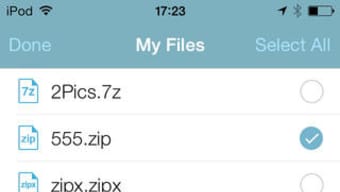
- Zip Archive Support – Open and browse Zip and Zipx files stored locally or received via email. View the contents of compressed folders without extracting them first.
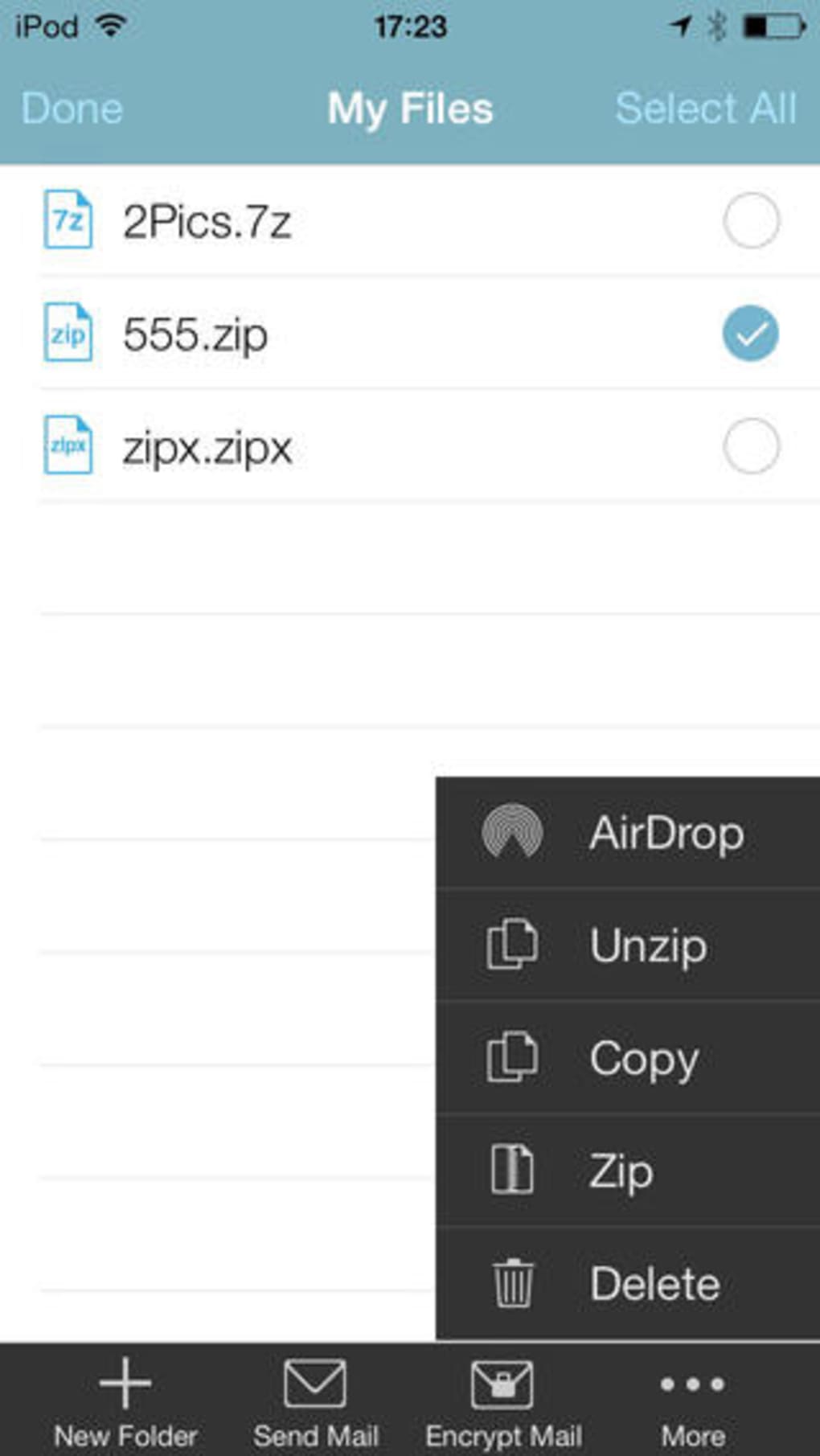
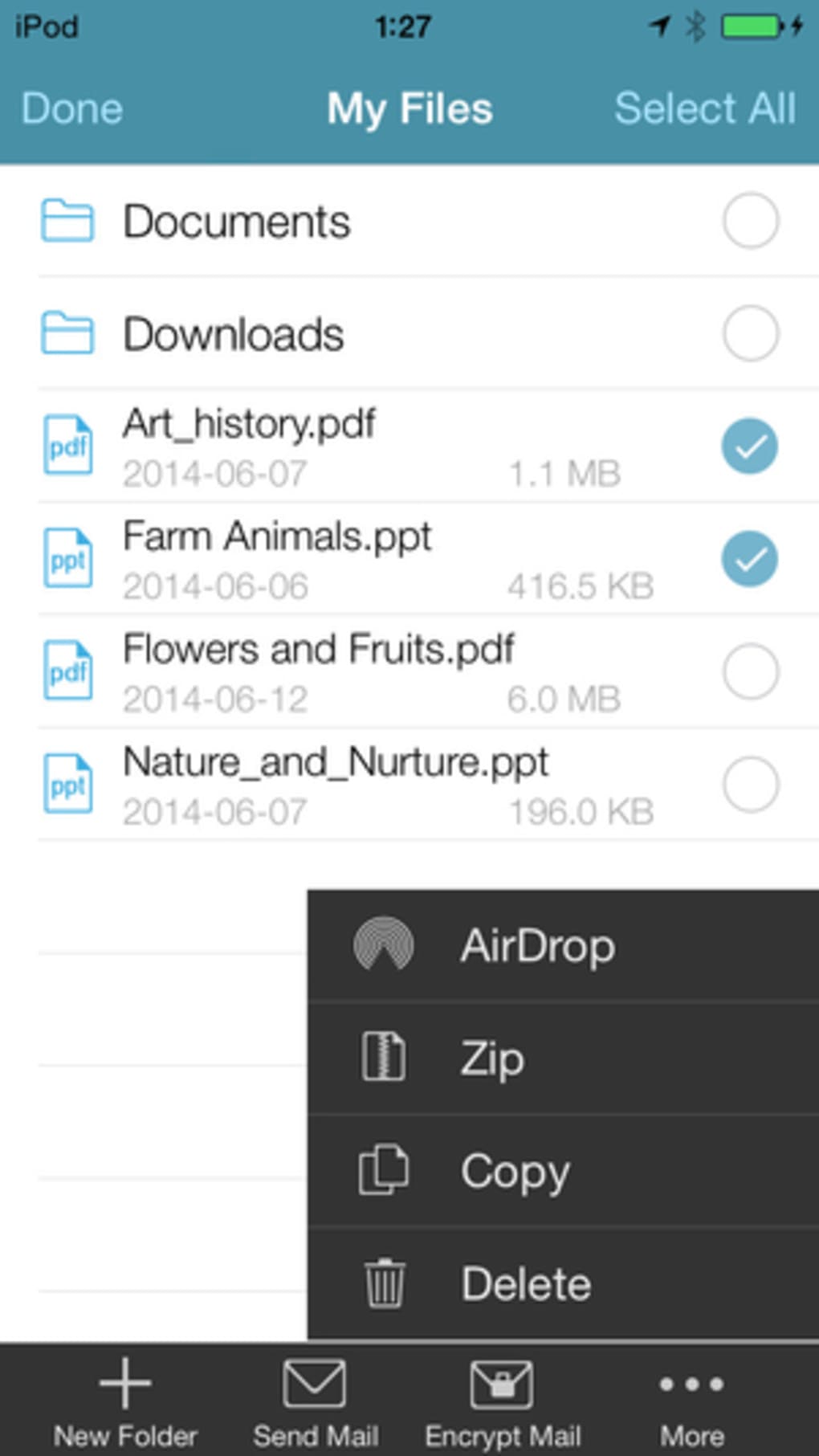
- File Management Tools – Copy, rename, and delete files within archives or on the device. Perform basic file operations directly from the app’s interface.
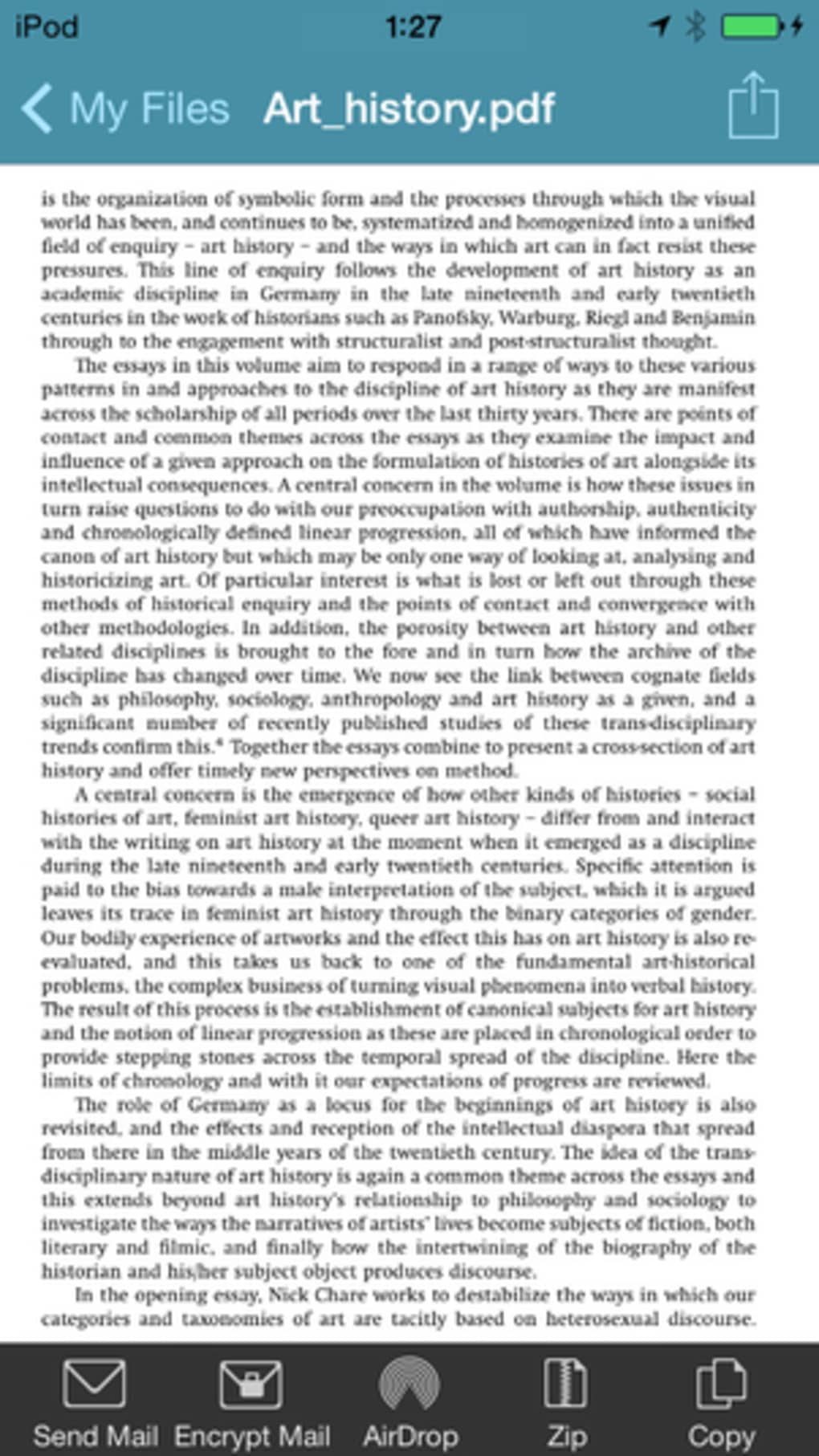
- Multi-Format Compatibility – View files in common formats including JPG, BMP, GIF, PDF, TXT, DOC, and XLS without requiring additional apps.
- Compression Creation – Create new Zip or Zipx archives from selected files for sharing or storage.
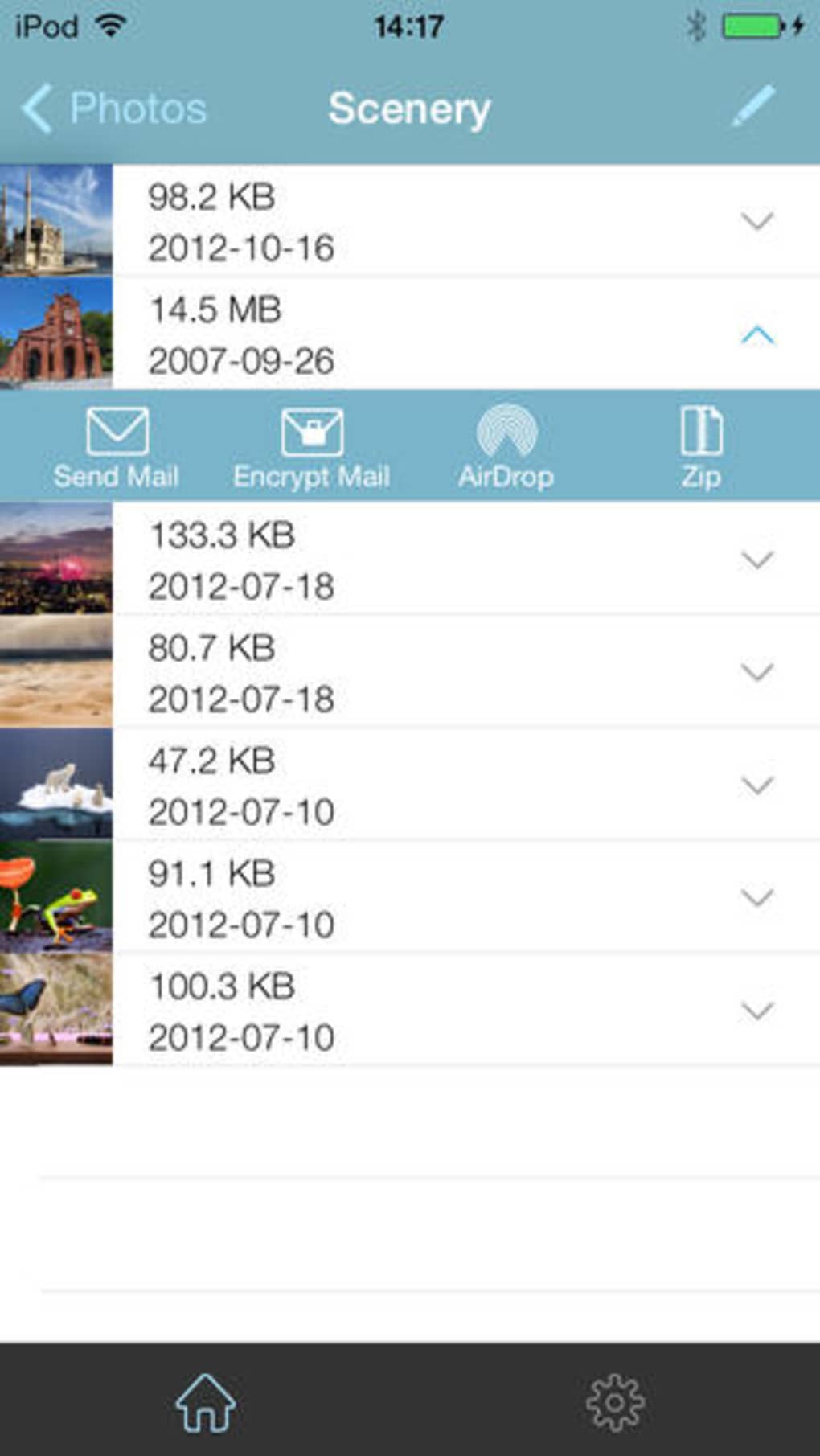
- Secure Sharing via Email – Send compressed files directly to contacts using the built-in email integration.
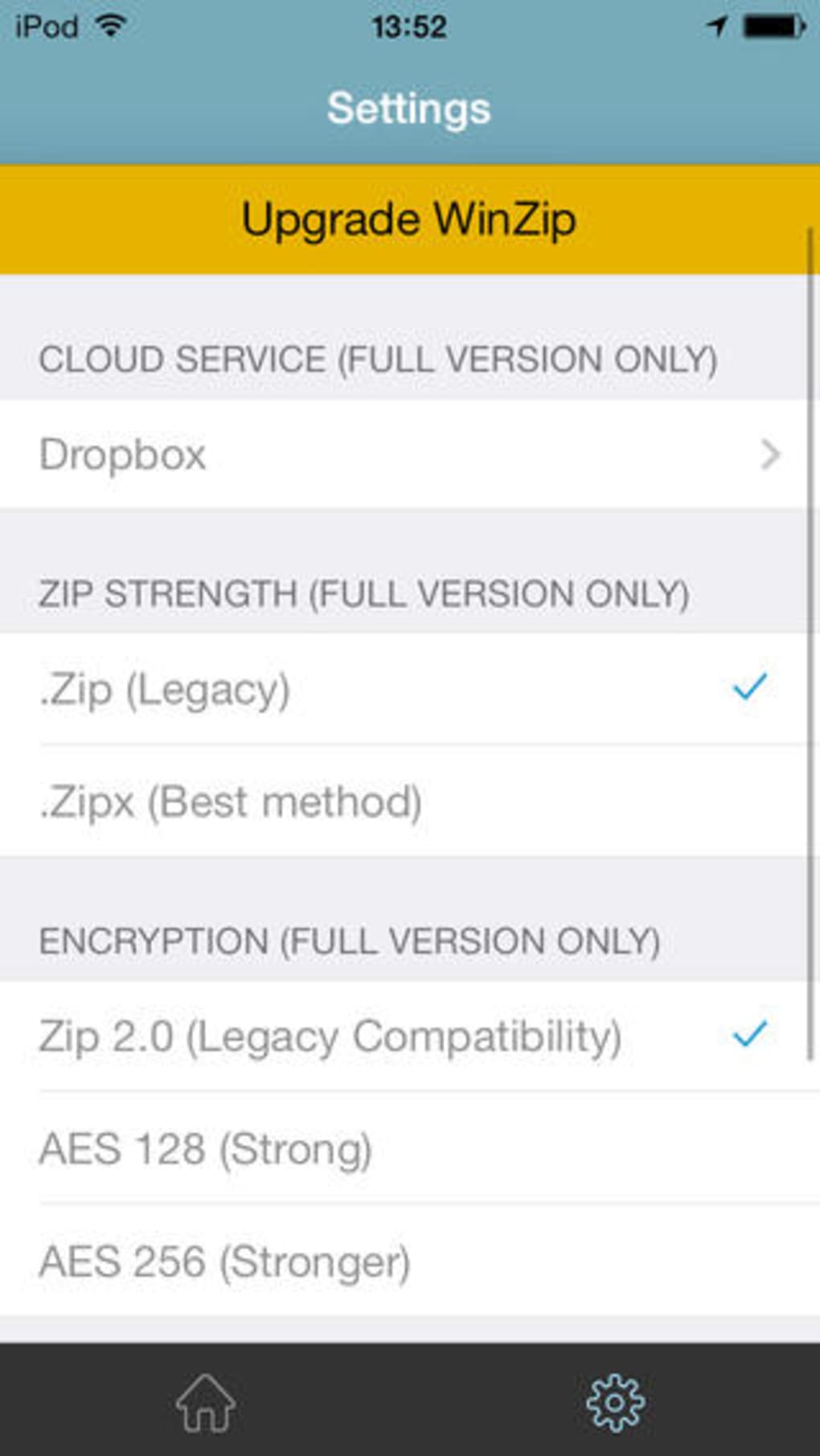
- Premium Feature Access – Unlock support for RAR and 7z formats, file encryption, and faster access to the Zip & E-Mail feature.
These features streamline mobile file handling by reducing reliance on desktop software. For example, a user can extract a project report from a Zip file during a commute and immediately forward it to a team member. Another scenario involves organizing personal photos by compressing them into a single archive before sending them via email. The app’s ability to handle multiple formats enhances its utility in both personal and professional settings.
User Interface, Workflow & Performance
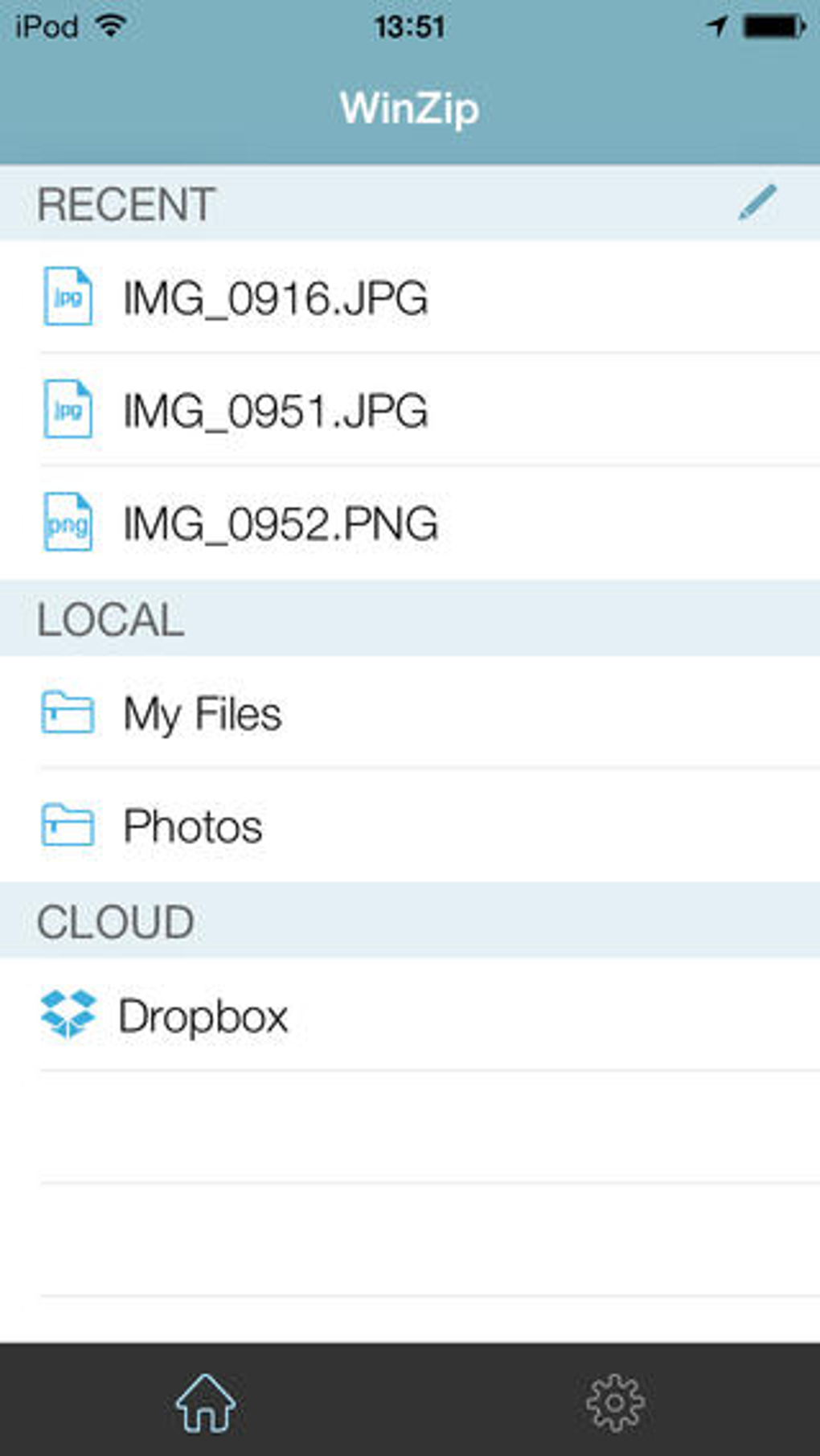
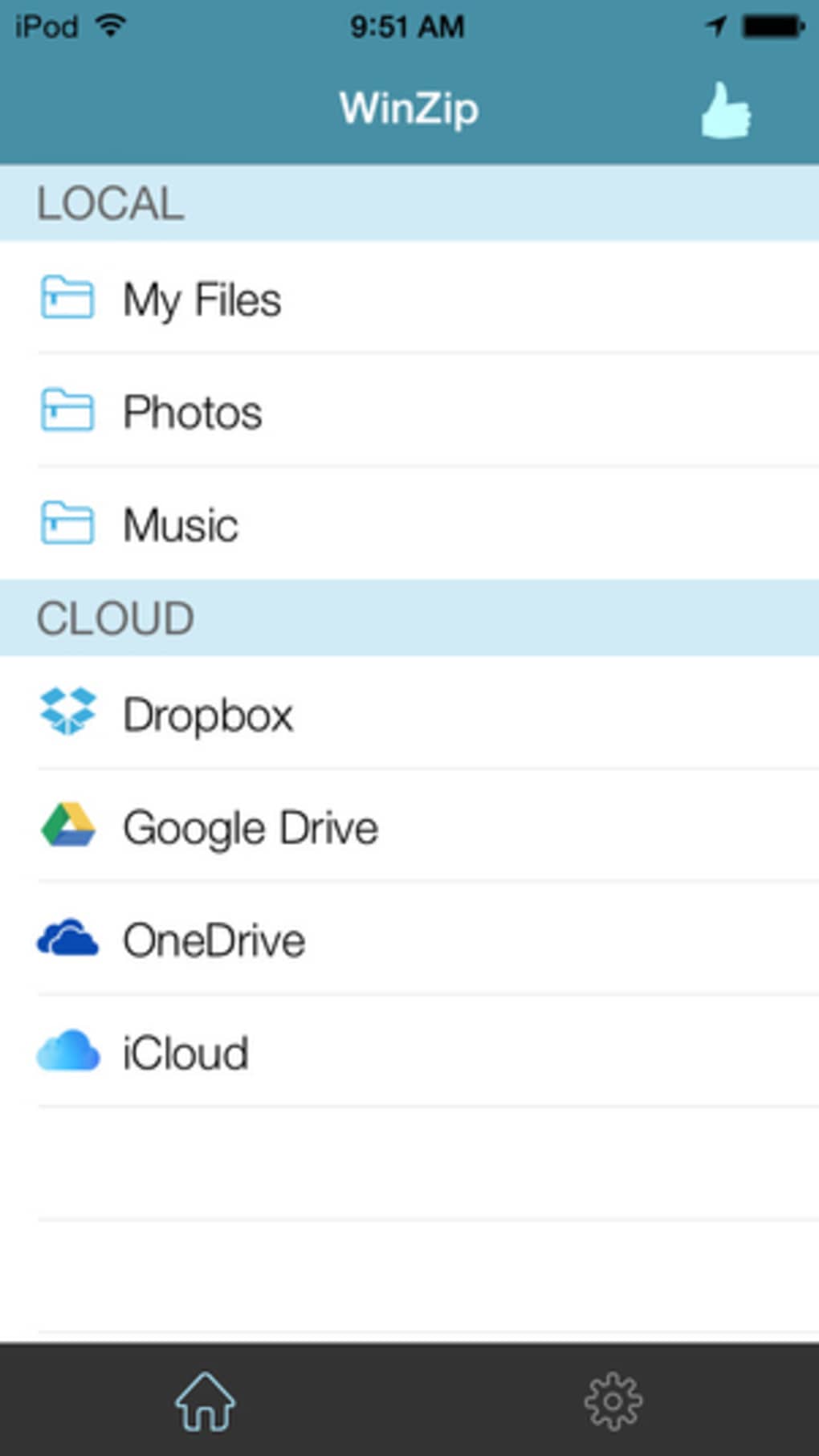
The WinZip interface for iPhone is designed as a streamlined file browser with a side menu for quick navigation. Users can access recent files, media folders, and archive contents through a clean, intuitive layout. Navigation is consistent with iOS design principles, making it easy to locate and manage files. The workflow is efficient for basic tasks such as opening an archive, viewing files, and performing simple edits.
Interaction with individual files triggers a secondary menu offering relevant actions like extract, share, or delete. The app integrates with the device’s native file system, allowing direct access to files stored in iCloud, Photos, and other app-specific directories. However, exact performance details were not specified. The developer did not provide information on CPU or RAM usage, nor did they confirm stability under heavy load. General software behavior patterns suggest the app performs well on modern iOS devices, but users should expect potential delays when working with large archives.
Compatibility & System Requirements
WinZip for iPhone is designed for iOS devices and is compatible with the latest versions of the operating system. The app has a file size of 12.8 MB, indicating a lightweight installation that does not consume significant storage space. It supports both iPhone and iPad devices, though specific hardware requirements were not listed. The developer did not specify minimum iOS version or device model compatibility beyond the general platform.
Installation is straightforward through the App Store, and the app functions as a standalone desktop-like utility on mobile. The developer did not provide additional system requirements, so users should ensure their device meets standard iOS app installation criteria. Compatibility information was partially provided, leaving some aspects of device support unclear.
Pros and Cons
Pros
- Lightweight installation at just 12.8 MB
- Intuitive file browser interface aligned with iOS standards
- Supports common file formats within compressed archives
- Enables on-the-go file compression and sharing
- Free version offers core functionality for basic use
Cons
- Premium features require a paid subscription
- Limited format support in the free version (no RAR or 7z)
- No detailed system requirements or performance metrics provided
- Full functionality restricted without in-app purchases
- Encryption and advanced features locked behind a paywall
FAQ Section
Is WinZip for iPhone available for free?
Yes, WinZip for iPhone is free to download and use. The free version allows basic file management, including creating Zip files, viewing contents, and sending them via email. However, access to advanced features requires a paid subscription.
Can I open RAR or 7z files on WinZip for iPhone?
Support for RAR and 7z file formats is available only in the Premium version. The free version supports Zip and Zipx archives only.
Does WinZip for iPhone work offline?
Yes, the app functions fully offline. You can open, view, and manage compressed files stored on your device without needing an internet connection.
Is my data secure when using WinZip on iPhone?
While the app does not provide specific security details, the Premium version includes file encryption options. For sensitive data, users are advised to use the encrypted features available in the paid tier.
How often does WinZip for iPhone receive updates?
Regular updates are released to improve performance, fix bugs, and add new features. The exact update frequency was not specified by the developer.
Final Thoughts + CTA
WinZip for iPhone delivers a reliable and accessible solution for managing compressed files on mobile devices. Its clean interface and straightforward workflow make it ideal for users who need quick access to Zip archives without relying on a desktop. While the free version offers essential tools for everyday tasks, advanced capabilities like encryption and support for RAR and 7z formats are reserved for subscribers. For casual users and professionals alike, the app fills a practical gap in mobile productivity. If you frequently handle compressed files on your iPhone, this tool provides a seamless experience with minimal friction.
Download WinZip for iPhone now
Guides & Tutorials for WinZip 1 zip unzip tool
How to install WinZip 1 zip unzip tool
- Click the Preview / Download button above.
- Once redirected, accept the terms and click Install.
- Wait for the WinZip 1 zip unzip tool download to finish on your device.
How to use WinZip 1 zip unzip tool
This software is primarily used for its core features described above. Open the app after installation to explore its capabilities.
User Reviews for WinZip 1 zip unzip tool 0
No reviews found





